When you open a Dog Arcade game, there is no download and no plug-in. The browser you already use to read news and check email becomes a small game console. That is possible because of the set of web technologies commonly called HTML5: a drawing surface, precise timing, input events, audio and local storage, all available to ordinary JavaScript on a web page.
This guide walks through what happens from the moment the page loads to the moment you set a new best score. You do not need to be a programmer to follow it, and knowing the basics helps explain things like why games pause when you switch tabs and why scores stay on one device.
Loading and drawing
Loading the page
A browser game starts as an ordinary web page: an HTML document, some styling, and one or more JavaScript files. The page contains a canvas element, which is a rectangular area the game can draw on pixel by pixel. Once the scripts load, the game sets up its state (the dog's position, the score, the list of obstacles) and shows the start screen.
Because the whole game is delivered like a web page, there is nothing to install. It also means the browser's security rules apply: the game can only access what a normal web page can.
The canvas: drawing every frame
The canvas works like a blank sheet that the game redraws many times per second. Each frame, the game clears the canvas and draws everything again in its new position: the background, the platforms, the obstacles, the dog, the score. Nothing on the canvas "moves" by itself. The illusion of motion comes from drawing each frame slightly differently from the last.
Games also handle different screen sizes. The canvas is scaled to fit the available space, and the game accounts for high-density screens so that shapes stay sharp rather than blurry.
The game loop and requestAnimationFrame
At the heart of every arcade game is a loop that repeats the same steps over and over:
- Read input: which keys are held, where fingers are touching.
- Update: move the dog, advance obstacles, check for collisions, update the score.
- Draw: render the new state to the canvas.
Browsers provide a function called requestAnimationFrame for exactly this purpose. The game asks the browser to call it back just before the next screen repaint, runs one pass of the loop, and asks again. This keeps drawing in step with the display, which usually refreshes around 60 times per second, and often faster on high refresh rate screens.
Delta time: keeping speed consistent
Not every device runs at the same frame rate, and even one device can slow down briefly. If a game moved the dog a fixed distance each frame, it would run faster on a 120 Hz screen than on a 60 Hz one. To avoid that, games measure the time elapsed since the previous frame, called delta time, and scale movement by it. A dog moving at a certain speed covers the same distance per second regardless of how many frames that second contains.
Games also cap very large delta values. If a frame arrives late, perhaps because the device was busy, a capped step stops the dog from jumping forward through an obstacle in one frame. That is important in speed-based games like Dog Runner, where speed rises over time.
Collisions
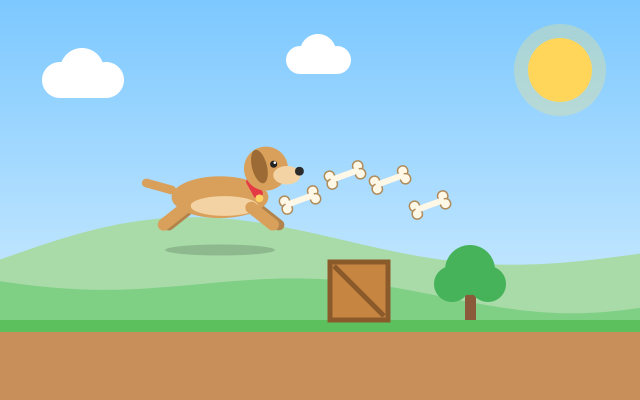
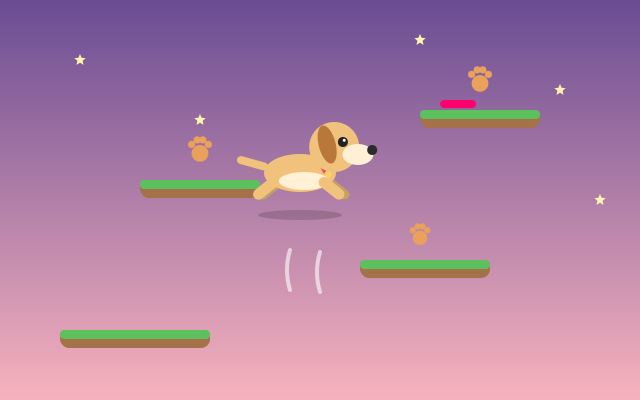
To know whether the dog hit a hydrant or landed on a platform, games compare simple shapes, usually rectangles or circles, around each object. If the shapes overlap, a collision happened. Hitboxes are often a little smaller than the drawn image so that near misses feel fair. In Puppy Jump, for example, a landing counts when the puppy is falling onto the top of a platform, not when it passes up through it.
Input, sound and pausing
Input: keyboard, mouse and touch
The browser reports input as events. Keyboard presses arrive as keydown and keyup, while mouse, touch and pen are covered by pointer events. Games store the current input state and let the loop read it each frame. They also stop the browser's default reactions inside the game, such as scrolling the page with Space or arrow keys, or scrolling and zooming with touch gestures. Our guides to keyboard controls and touch controls go into the details.
Sound
Game sounds are typically played with the Web Audio API, which can trigger short effects with precise timing. Browsers usually block audio until the player has interacted with the page, which is one reason games start with a Start button: that first tap or click also unlocks sound. Every Dog Arcade game includes a sound toggle so you can mute it independently of your device.
Pausing and hidden tabs
When you switch to another tab or app, browsers slow down or stop requestAnimationFrame callbacks for the hidden page to save power. The page can also detect that it has become hidden through the Page Visibility API. Games use this to pause automatically, so you do not return to a run that played on without you. You can pause manually at any time with P or Esc, or the on-screen button on mobile.
Saving: LocalStorage
When a run ends, the game compares your result with your stored best and saves it if it improved. Dog Arcade uses LocalStorage, a small store inside your browser. It needs no account and no server, but it is specific to one browser on one device, and clearing site data removes it. Dog Arcade has no global leaderboards; your bests stay with you. See how high scores work for more.
Putting it together
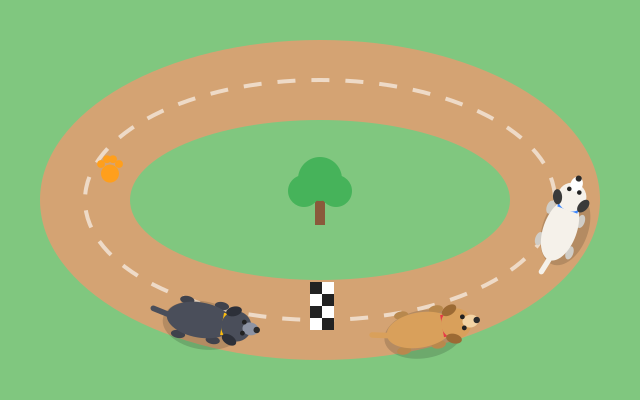
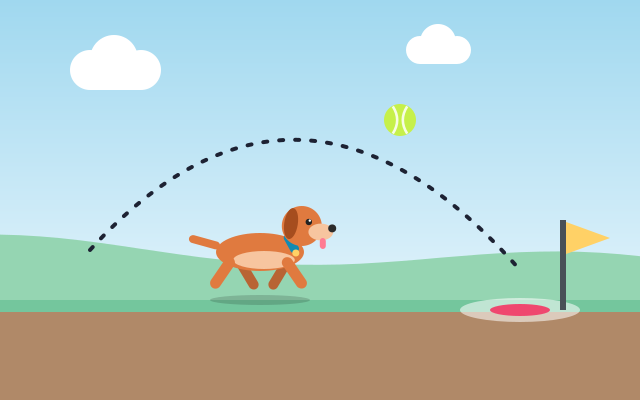
Every Dog Arcade game, from Fetch Challenge with its aim and power meter to the looping tracks of Dog Race, is built from these same pieces: a canvas, a loop, delta time, collisions, input, sound and a little local storage. The differences you feel between games come from how those pieces are tuned. You can explore them all on the all games page.
Frequently asked questions
Do HTML5 games need a plug-in?
No. They run with standard browser features such as the canvas element and JavaScript, so any modern browser can play them.
Why does the game pause when I switch tabs?
Browsers throttle or stop animation updates for hidden pages, and games detect that the page is hidden and pause so your run is not lost.
Why does a game run at the same speed on different screens?
Movement is scaled by the time between frames, known as delta time, so the dog covers the same distance each second on fast and slow displays.
Spotted something that doesn't match the game? Tell us through the contact page. Read how we write and check guides in our editorial policy.